Effective audio equipment maintenance is not merely about extending the life of your gear; it directly impacts sound fidelity, operational reliability, and long-term cost efficiency. Neglecting routine care can lead to degraded performance, intermittent failures, and premature component wear, ultimately requiring expensive repairs or replacements. This guide details practical maintenance strategies to preserve your investment and ensure consistent, high-quality audio output from microphones, speakers, amplifiers, and associated cabling.
Controlling the Operating Environment
The immediate surroundings of your audio equipment play a critical role in its longevity and performance. Environmental factors like temperature, humidity, and airborne contaminants can accelerate wear and introduce operational issues.
Managing Temperature and Humidity
Extreme temperature fluctuations or sustained high humidity are detrimental to electronic components. High heat can degrade capacitors and solder joints, while excessive moisture promotes corrosion and can lead to short circuits. Maintain a stable ambient temperature, ideally between 65-75°F (18-24°C), and relative humidity levels between 40-60%. Avoid placing equipment in direct sunlight, near heating vents, or in damp basements. Use dehumidifiers in high-humidity environments or silica gel packets within enclosed cases for sensitive components.
Protecting Against Dust and Debris
Dust accumulation acts as an insulator, trapping heat and impeding cooling, which can lead to overheating. It also contains abrasive particles that can wear down moving parts and conductive elements that can cause electrical shorts. Regularly clean external surfaces with a soft, lint-free cloth. For internal components and ventilation grilles, use compressed air to gently blow away dust, ensuring the equipment is powered off and unplugged. Avoid using harsh chemical cleaners, which can damage finishes or internal circuitry.
Minimizing Vibration and Physical Impact
Constant vibration can loosen internal connections, damage delicate components like speaker cones, and introduce unwanted noise. Place equipment on stable, level surfaces, preferably using isolation pads or racks designed to absorb vibrations. During transport, use padded cases specifically designed for audio gear to protect against impacts and shocks.
Implementing Routine Cleaning Practices
Consistent cleaning addresses surface contaminants and prevents them from migrating into sensitive areas, maintaining both aesthetics and functionality.
External Surface and Control Cleaning
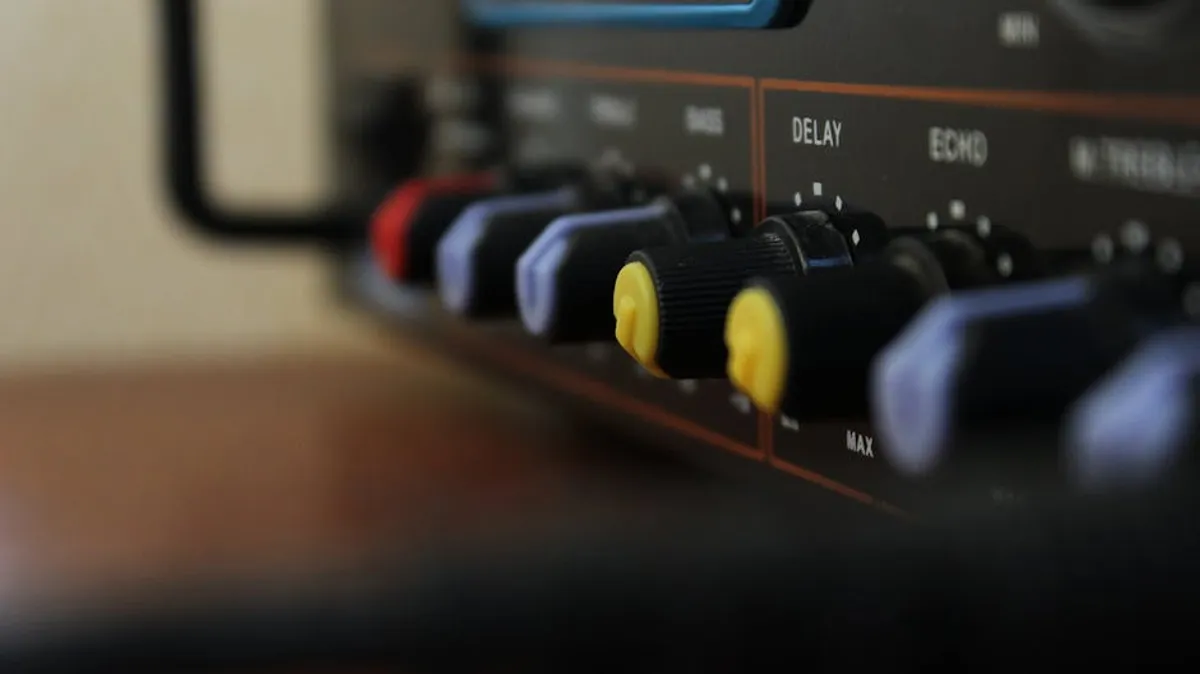
Wipe down equipment enclosures, control knobs, and faders regularly with a slightly damp, soft cloth. For stubborn grime, a mild, electronics-safe cleaning solution can be applied sparingly to the cloth, not directly to the equipment. Pay particular attention to controls that are frequently touched, as oils and dirt from hands can build up and affect tactile response or even electrical contact.
Connector and Jack Maintenance
Oxidation and dirt on connectors (XLR, TRS, RCA, USB, etc.) can introduce noise, signal loss, or intermittent connections. Periodically inspect all input and output jacks and cable ends. Use a specialized contact cleaner designed for electronics, applied to a cotton swab or lint-free cloth, to gently clean the contact points. Avoid abrasive materials or excessive force that could bend pins or damage plating. Ensure connectors are fully dry before re-connecting.
Speaker Cone and Grille Care
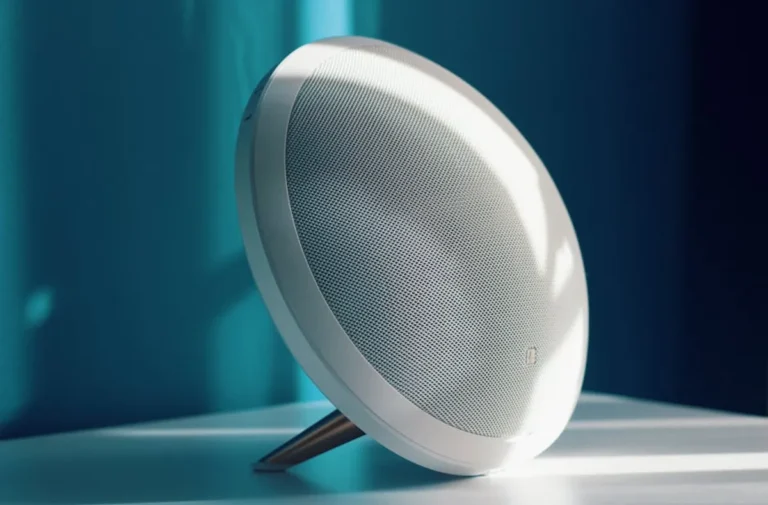
Speaker cones, especially those exposed, can accumulate dust. Use a very soft brush or a low-power vacuum with a brush attachment to gently remove dust without touching the cone surface directly. Speaker grilles can be cleaned with a vacuum cleaner to remove dust and debris. For fabric grilles, a lint roller can also be effective. Ensure grilles are securely fastened to prevent rattling.
Microphone Care and Hygiene
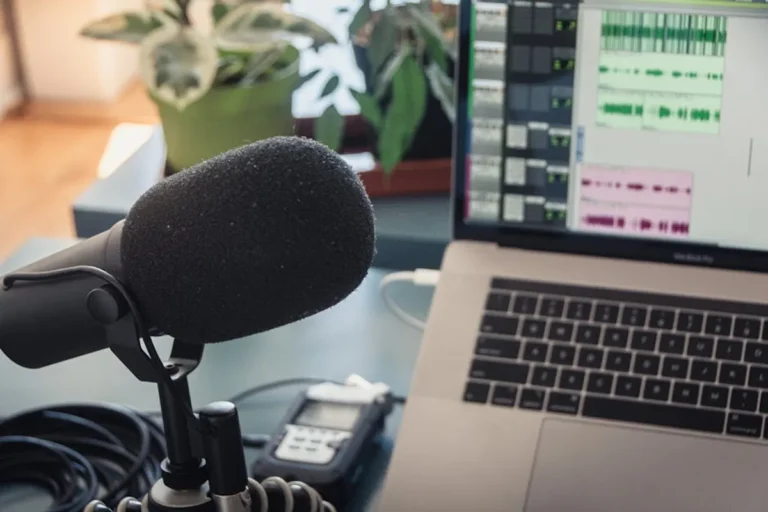
Microphones, particularly vocal mics, are susceptible to moisture, saliva, and makeup residue.
- Grille Cleaning: Unscrew the microphone grille (if removable) and gently clean it with warm, soapy water. Rinse thoroughly and allow it to air dry completely before reattaching.
- Windscreen Maintenance: Replace or wash foam windscreens regularly.
- Storage: Store microphones in their cases or a protective pouch to prevent dust accumulation and physical damage.
Cable Management and Power Considerations
Cables are often overlooked but are critical to signal integrity and safety. Proper power management protects against electrical anomalies.
Optimizing Cable Longevity
Avoid sharp bends, kinks, and excessive tension on cables. Always coil cables using the over-under method to prevent internal wire damage and tangling. Label cables for easy identification, especially in complex setups. Regularly inspect all cables for cuts, frayed insulation, or bent connector pins. Replace damaged cables promptly to prevent signal degradation or potential electrical hazards.
Pro Tip: When disconnecting cables, always pull from the connector housing, not the cable itself. Pulling on the cable strains the internal wiring and solder joints, leading to premature failure.
Ensuring Stable Power
Unstable power can damage sensitive electronics. Use surge protectors for all audio equipment to guard against voltage spikes. For critical or expensive gear, consider an uninterruptible power supply (UPS) to provide clean, consistent power and allow for graceful shutdowns during outages. Ensure all equipment is properly grounded to prevent hum and electrical hazards. Always power down equipment in the correct sequence (e.g., amplifiers last, sources first) to avoid pops and thumps that can damage speakers.
Strategic Storage and Software Updates
How equipment is stored and whether its software is current significantly impact performance and reliability.
Best Practices for Storage and Transport
For long-term storage, ensure equipment is clean, dry, and powered off. Remove batteries from devices that will be stored for extended periods to prevent leakage. Store items in their original packaging or in purpose-built cases with appropriate padding. For transport, use hard cases with custom foam inserts for maximum protection against impacts, moisture, and dust.
Keeping Digital Gear Updated
For digital audio interfaces, mixers, and processors, regularly check for firmware and software updates from the manufacturer. Updates often include bug fixes, performance enhancements, and compatibility improvements. Before updating, back up any custom settings or presets. Follow manufacturer instructions precisely during the update process to avoid bricking the device.
Sustaining Peak Performance
Consistent attention to these maintenance tips will safeguard your audio equipment, ensuring it performs optimally for years. Establishing a routine cleaning and inspection schedule, appropriate to your usage frequency and environment, is the most effective approach. This proactive stance not only preserves sound quality but also minimizes unexpected downtime and the financial burden of emergency repairs.
Frequently Asked Questions
How often should I clean my audio equipment?
The frequency depends on usage and environment. For professional or heavily used gear, a weekly wipe-down and monthly detailed cleaning are advisable. Home setups might only need attention every few months, but regular dusting is always beneficial.
Can I use household cleaners on my audio gear?
Generally, no. Most household cleaners contain harsh chemicals that can damage delicate surfaces, plastics, or electronic components. Stick to specialized electronics cleaners or a slightly damp cloth with plain water for external surfaces.
What is the best way to store cables to prevent damage?
Always coil cables using the over-under method, which prevents twisting and internal damage. Store them loosely coiled, not tightly bound, and hang them or place them in cable bags to avoid kinks and tangles.
Is it necessary to unplug equipment during a thunderstorm?
Yes, absolutely. Even with surge protectors, a direct lightning strike or severe power surge can bypass protection. Unplugging sensitive audio equipment during electrical storms offers the highest level of protection.