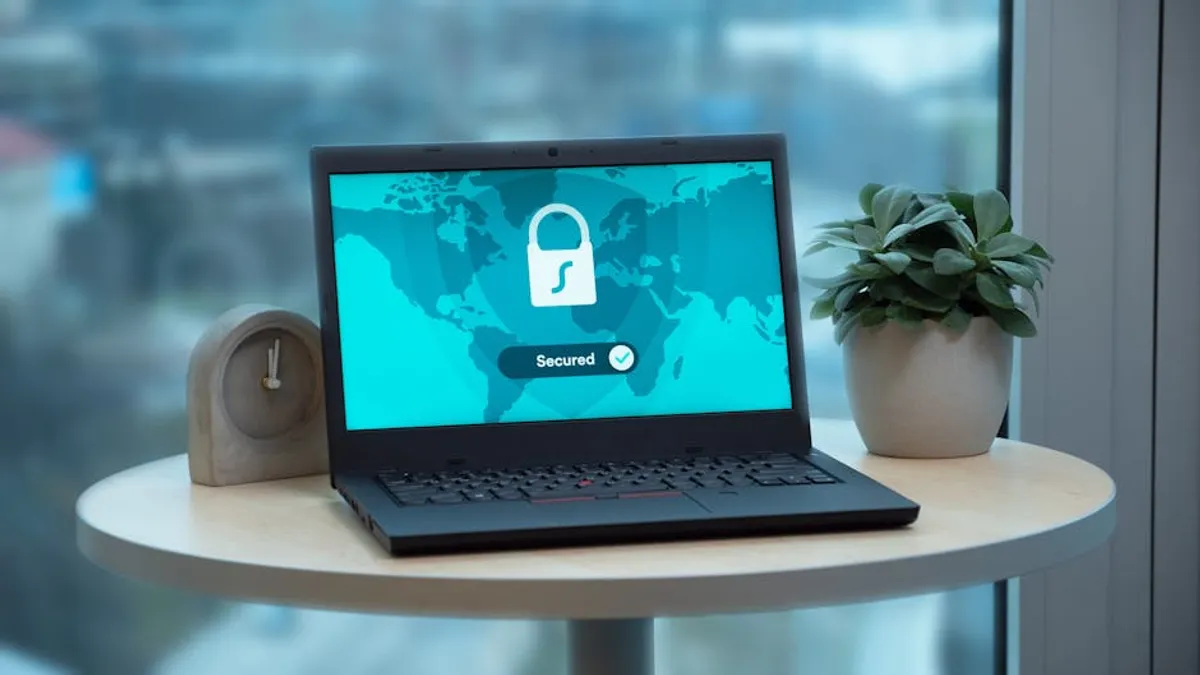
Establishing a secure remote work setup is not merely a technical task; it is a strategic business imperative. The shift to distributed teams introduces new attack surfaces and compliance challenges, making robust security a foundational requirement for protecting sensitive data, maintaining operational continuity, and preserving client trust. Organizations must move beyond ad-hoc solutions to implement a structured framework that mitigates risks associated with remote access, unmanaged networks, and diverse personal devices. This guide outlines the essential components and practical steps for building a resilient security posture tailored for remote operations, focusing on actionable strategies rather than general principles.
Core Pillars of Remote Work Security
A comprehensive secure remote work setup relies on multiple interlocking layers. Each layer addresses specific vulnerabilities, contributing to an overall resilient environment. Neglecting any one pillar can compromise the entire system, leading to data breaches or operational disruptions.
Endpoint Device Security
Endpoint security focuses on safeguarding the devices employees use to access company resources, whether they are company-issued or personal. This involves controlling access, monitoring activity, and protecting against malware.
- Device Management: Implement Mobile Device Management (MDM) or Endpoint Detection and Response (EDR) solutions. These tools enforce security policies, such as screen lock requirements, password complexity, and automatic updates. They also enable remote wiping of lost or stolen devices, preventing unauthorized data access.
- Antivirus and Anti-Malware: Ensure all endpoints run up-to-date antivirus and anti-malware software with real-time scanning capabilities. Centralized management of these solutions allows for consistent policy enforcement and threat monitoring across the organization.
- Operating System and Software Patching: Mandate timely application of operating system and software updates. Unpatched vulnerabilities are a primary entry point for attackers. Automated patch management systems can streamline this process and ensure compliance.
- Disk Encryption: Require full disk encryption (e.g., BitLocker for Windows, FileVault for macOS) on all devices that store company data. This protects data at rest if a device is lost or stolen.
Network Security Protocols
Securing the network connection between remote workers and organizational resources is critical. This involves encrypting data in transit and controlling network access points.
- Virtual Private Networks (VPNs): Utilize a corporate VPN for all connections to internal networks and resources. A VPN encrypts traffic, creating a secure tunnel over public internet connections, making it difficult for eavesdroppers to intercept data.
- Secure Wi-Fi Practices: Educate employees on the risks of public Wi-Fi and encourage the use of secure, password-protected home networks. Advise against connecting to unknown or unsecured networks for work-related tasks.
- Network Segmentation: For employees working from home, consider network segmentation where possible. This isolates work-related devices and traffic from personal devices on the same home network, limiting potential lateral movement for attackers.
Data Protection and Access Management
Protecting sensitive data involves controlling who can access it, how it's stored, and ensuring its integrity and availability.
- Multi-Factor Authentication (MFA): Enforce MFA for all access to corporate applications, cloud services, and VPNs. MFA adds a crucial layer of security beyond passwords, significantly reducing the risk of unauthorized access due to credential theft.
- Strong Password Policies: Implement and enforce policies requiring complex, unique passwords that are regularly changed, or, preferably, encourage the use of password managers for generating and storing strong, unique credentials.
- Data Loss Prevention (DLP): Deploy DLP solutions to monitor, detect, and block sensitive data from leaving the corporate network or approved storage locations. This helps prevent accidental or malicious data exfiltration.
- Cloud Security Configuration: If using cloud services, ensure they are configured securely according to best practices, including access controls, encryption, and regular security audits.
- Regular Data Backups: Implement automated, encrypted backups of all critical data. Store backups off-site or in secure cloud storage, ensuring data recovery capabilities in case of data loss, corruption, or ransomware attacks.
Pro Tip: Implement a 'Zero Trust' architecture. Instead of assuming internal networks are secure, Zero Trust requires verification for every user and device attempting to access resources, regardless of their location. This granular approach significantly enhances security by continuously validating identity and device posture before granting access to specific applications or data.
Employee Training and Incident Response
Human error remains a significant vulnerability. Empowering employees with knowledge and establishing clear response protocols are essential.
- Security Awareness Training: Conduct regular training sessions on phishing recognition, social engineering tactics, secure browsing habits, and company security policies. Reinforce the importance of reporting suspicious activity.
- Clear Security Policies: Develop and disseminate clear, concise security policies that outline acceptable use of company resources, data handling procedures, and remote work guidelines.
- Incident Response Plan: Establish a detailed incident response plan specifically tailored for remote work scenarios. This plan should cover steps for identifying, containing, eradicating, and recovering from security incidents, including communication protocols for remote teams.
Implementing Your Secure Remote Work Framework
Transitioning to a secure remote work model requires a phased approach, starting with assessment and moving through implementation and continuous monitoring.
Assess Current Infrastructure and Risks
Before deploying new solutions, conduct an audit of existing IT infrastructure, current remote work practices, and potential vulnerabilities. Identify what data is being accessed remotely, which applications are critical, and where the biggest security gaps lie.
Standardize Device Provisioning
For company-issued devices, establish a standardized provisioning process. Devices should be pre-configured with necessary security software, policies, and access controls before being deployed to employees. This ensures a consistent security baseline from day one.
Best for: Maintaining consistent security posture across the organization, reducing setup errors.
Configure Network and Application Access
Set up and test VPNs, MFA, and access controls for all critical applications and data repositories. Ensure granular permissions are applied, adhering to the principle of least privilege, where users only have access to resources absolutely necessary for their role.
Best for: Preventing unauthorized access and minimizing the impact of compromised credentials.
Establish Data Handling Protocols
Define clear guidelines for how sensitive data should be stored, shared, and disposed of by remote employees. This includes specifying approved cloud storage solutions, prohibiting local storage of critical data where possible, and enforcing encryption for all data in transit and at rest.
Best for: Ensuring data integrity and compliance with regulatory requirements.
Regular Audits and Updates
Security is an ongoing process, not a one-time setup. Conduct regular security audits, vulnerability assessments, and penetration testing to identify new weaknesses. Continuously update security policies, software, and training materials to adapt to evolving threats and technological changes.
Best for: Proactive threat detection and maintaining an adaptive security posture.
Sustaining a Secure Remote Environment
Building a secure remote work setup is an initial step; sustaining it requires continuous vigilance and adaptation. Regularly review security policies, particularly as new technologies are adopted or team structures change. Foster a culture where security is a shared responsibility, encouraging employees to report potential issues without fear of reprisal. Invest in ongoing training that reflects current threat landscapes and company-specific vulnerabilities. This proactive and adaptive approach ensures that your remote operations remain protected against emerging threats, safeguarding your business continuity and reputation.
Frequently Asked Questions
What are the immediate priorities for securing remote work?
Immediate priorities include implementing Multi-Factor Authentication (MFA) for all access, deploying a corporate Virtual Private Network (VPN), ensuring all endpoint devices have up-to-date antivirus software, and establishing basic security awareness training for employees on phishing and secure practices.
Can personal devices (BYOD) be secured for remote work?
Yes, but with increased complexity. Securing personal devices requires strict Mobile Device Management (MDM) policies, mandatory disk encryption, enforced antivirus installations, and clear acceptable use policies. Organizations must also consider data segregation to prevent mixing personal and corporate data, and be prepared for remote wiping capabilities on personal devices if necessary.
How often should security policies be updated for remote teams?
Security policies for remote teams should be reviewed and updated at least annually, or whenever there are significant changes in technology, regulatory requirements, or the threat landscape. Regular reviews ensure policies remain relevant and effective against evolving risks.
What is the role of compliance in a secure remote work setup?
Compliance ensures that the remote work setup adheres to industry standards and legal regulations (e.g., GDPR, HIPAA, CCPA). A secure setup helps meet these requirements by protecting sensitive data, controlling access, and maintaining audit trails. Non-compliance can lead to significant fines and reputational damage.